
Office Active - App Store
You'll be able to see results in few seconds.
Publisher Description
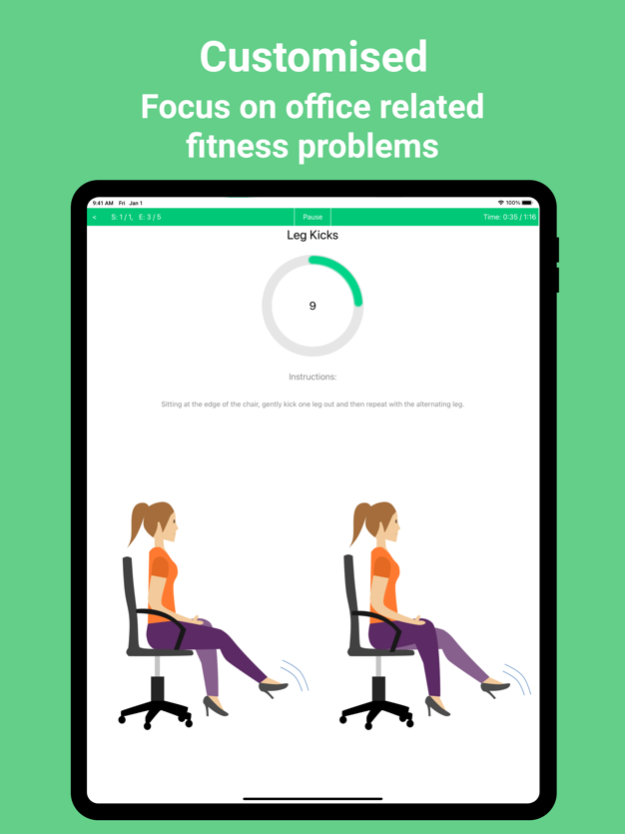
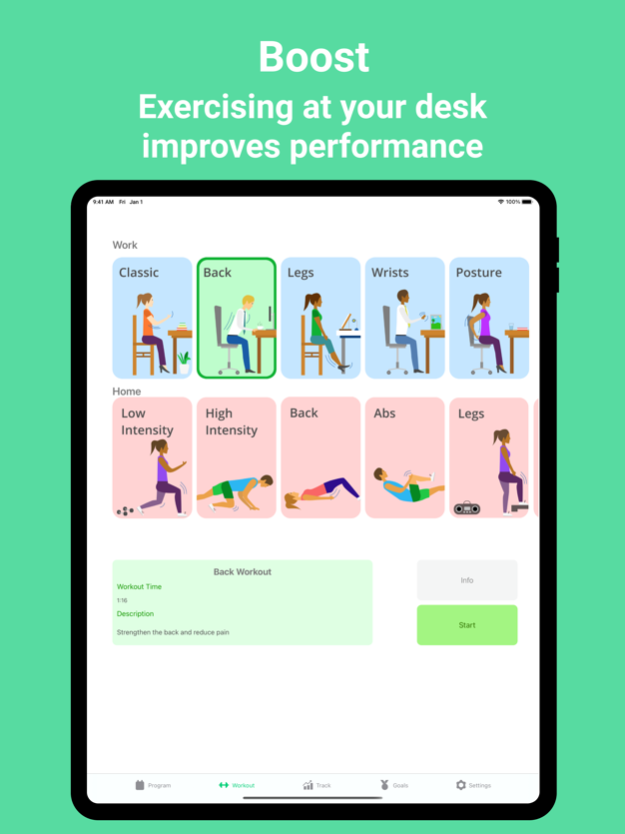
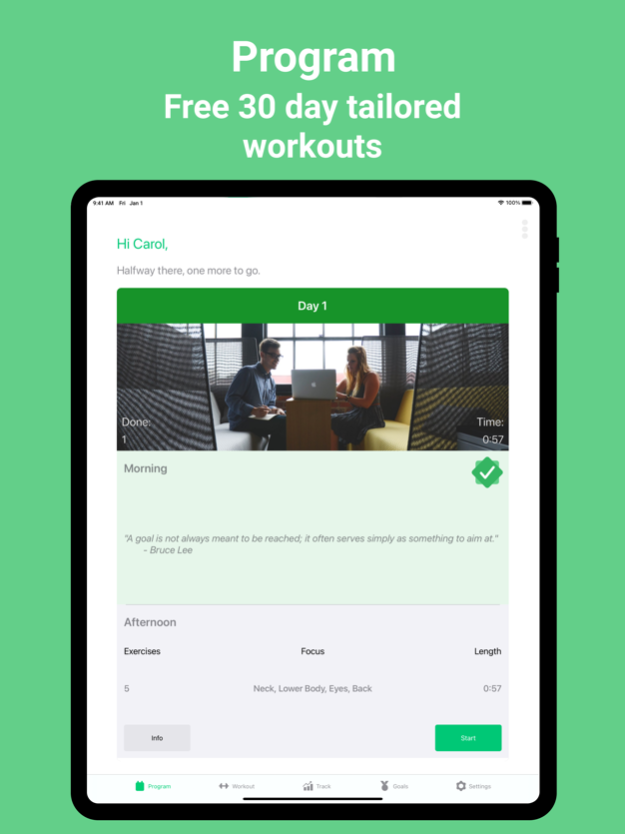
Ready to start the New Year in the right way? We've got you covered with custom exercise plans for working in the office or at home.
Short, sweat-free workouts so you can stay healthy and perform at your best.
Are you ready to be able to focus for longer, have the posture of a CEO, live pain free and prevent any health issues developing from sitting at a desk all day? Then let’s get started.
In just a few minutes every day you can keep your fitness levels up and substantially improve your productivity and health. These exercises can be performed in the office or whilst working from home.
With bespoke month-long plans, you can be the master of your body. Choose your focus area including posture, back, wrists and lower body. You can work out anywhere by selecting how discreet you want the exercises to be and customize reminder times.
Supplement your office workouts with zero equipment home workouts to build strength and good habits for the workday.
Features:
• Completely free content! No hidden charges or subscriptions.
• Over 80 exercises designed by professionals and scientifically proven to target the effects of prolonged sitting.
• Content works offline and doesn’t require downloads.
• No special equipment needed! Just your office chair.
• Easy – set reminders at a time that suits you, so you don’t have to worry about remembering during a busy day at work.
• Apple Health integration to track workouts, calories and weight.
• Detailed tracking of workout history.
• Earn achievements from Beginner to Expert as you become office fit.
This app offers in-app purchases to remove adverts. Payment will be charged to your iTunes Account at confirmation of purchase.
About Office Active
The company that develops Office Active is Ryan Hampton. The latest version released by its developer is 1.0 .
To install Office Active on your iOS device, just click the green Continue To App button above to start the installation process. The app is listed on our website since 2023-07-15 and was downloaded 0 times. We have already checked if the download link is safe, however for your own protection we recommend that you scan the downloaded app with your antivirus. Your antivirus may detect the Office Active as malware if the download link is broken.
How to install Office Active on your iOS device:
- Click on the Continue To App button on our website. This will redirect you to the App Store.
- Once the Office Active is shown in the iTunes listing of your iOS device, you can start its download and installation. Tap on the GET button to the right of the app to start downloading it.
- If you are not logged-in the iOS appstore app, you'll be prompted for your your Apple ID and/or password.
- After Office Active is downloaded, you'll see an INSTALL button to the right. Tap on it to start the actual installation of the iOS app.
- Once installation is finished you can tap on the OPEN button to start it. Its icon will also be added to your device home screen.
Program Details
System requirements
Download information
Pricing
Version History
version -
posted on 2023-07-15
Disclaimer
Official App Store Link
We do not host Office Active on our servers. We did not scan it for viruses, adware, spyware or other type of malware. This app is hosted by Apple and passed their terms and conditions to be listed there. We recommend caution when installing it.
The App Store link for Office Active is provided to you by apps112.com without any warranties, representations or guarantees of any kind, so access it at your own risk.
If you have questions regarding this particular app contact the publisher directly. For questions about the functionalities of apps112.com contact us.
